✈️ How to Play Avioane
Learn the game in 12 easy steps with visual examples!
Start with an Empty Grid
When the game starts, you'll see a 10×10 grid (rows A-J, columns 1-10). Your mission: place 3 airplanes on this grid!
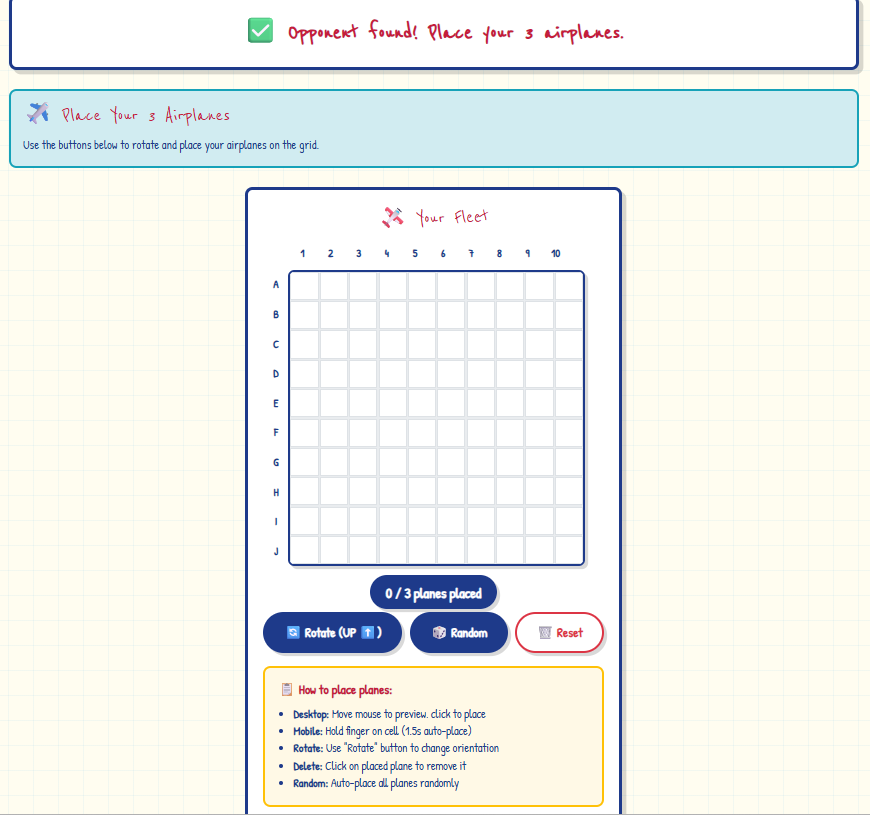
Preview Your Airplane
Desktop: Hover your mouse over the grid to see a preview of where your airplane will be placed.
Mobile: Tap and hold for 1.5 seconds to preview and auto-place.
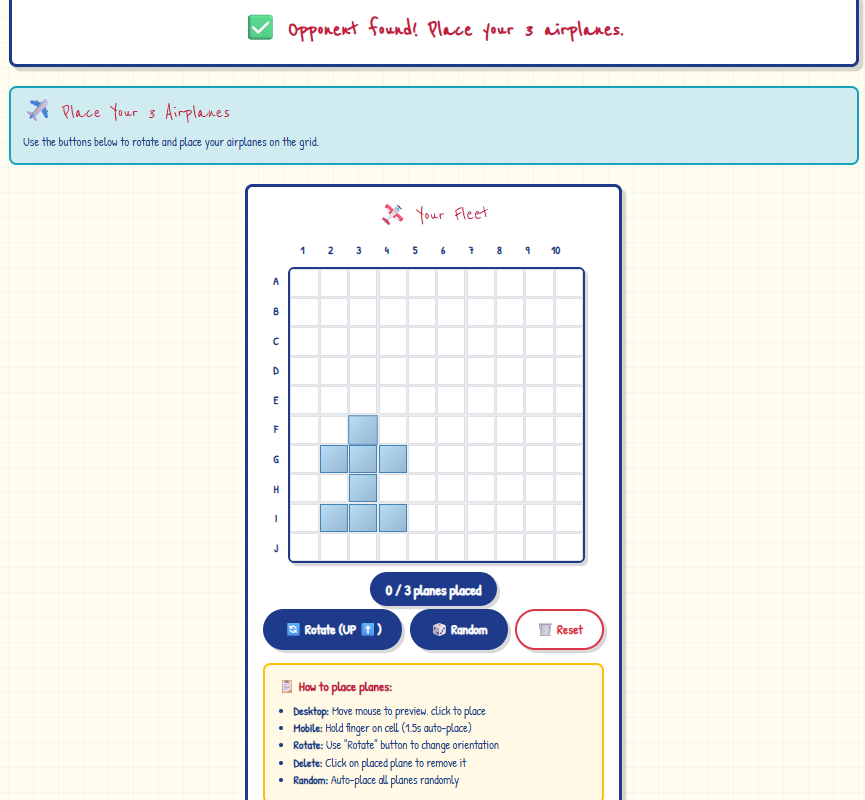
Place Your First Airplane
Click (or tap and hold) to confirm placement. The plane will appear in blue with a red ✈️ emoji marking the cockpit. Notice the counter shows "1/3 planes placed".
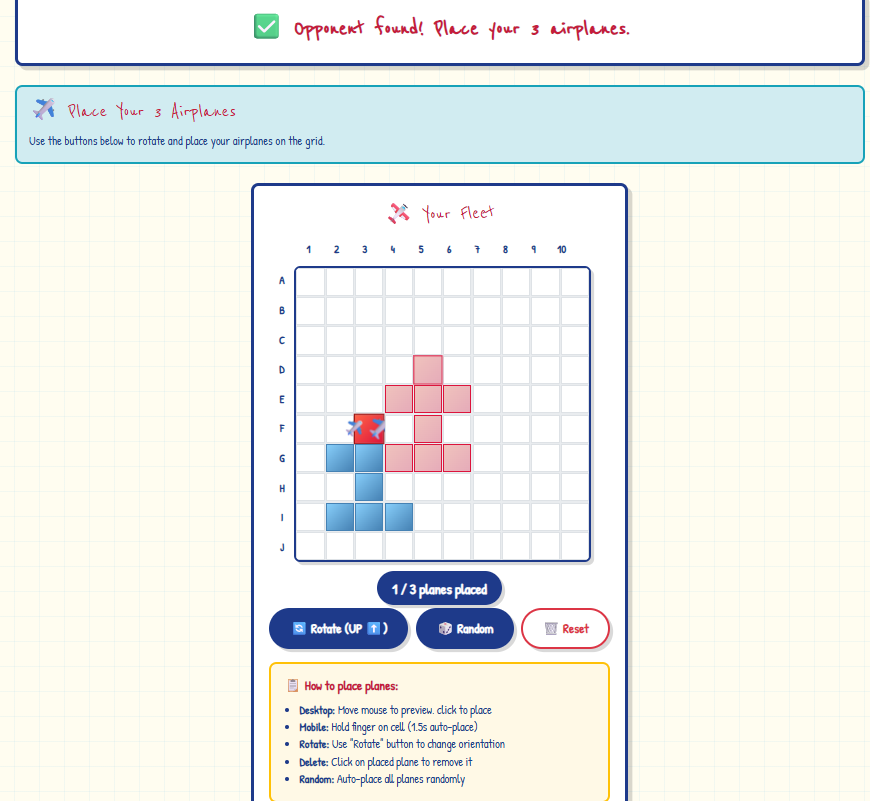
Complete Your Fleet
Continue until all 3 airplanes are placed. Use the Rotate button to change orientation (UP ⬆️, RIGHT ➡️, DOWN ⬇️, LEFT ⬅️). You can also use Random to auto-place all planes!
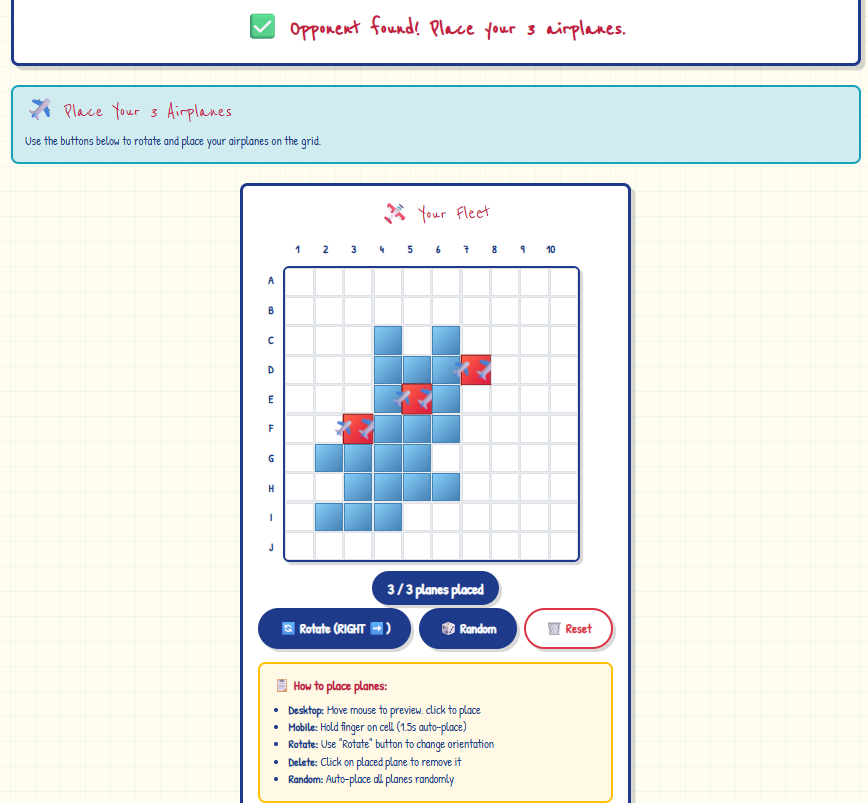
- Rotate: Change airplane direction
- Random: Auto-place all 3 planes randomly
- Reset: Clear the grid and start over
- Delete: Click on a placed plane to remove it
Battle Begins!
Once both players have placed their planes, the battle phase starts! You'll see two grids: Your Grid (defensive) and Opponent's Grid (offensive).
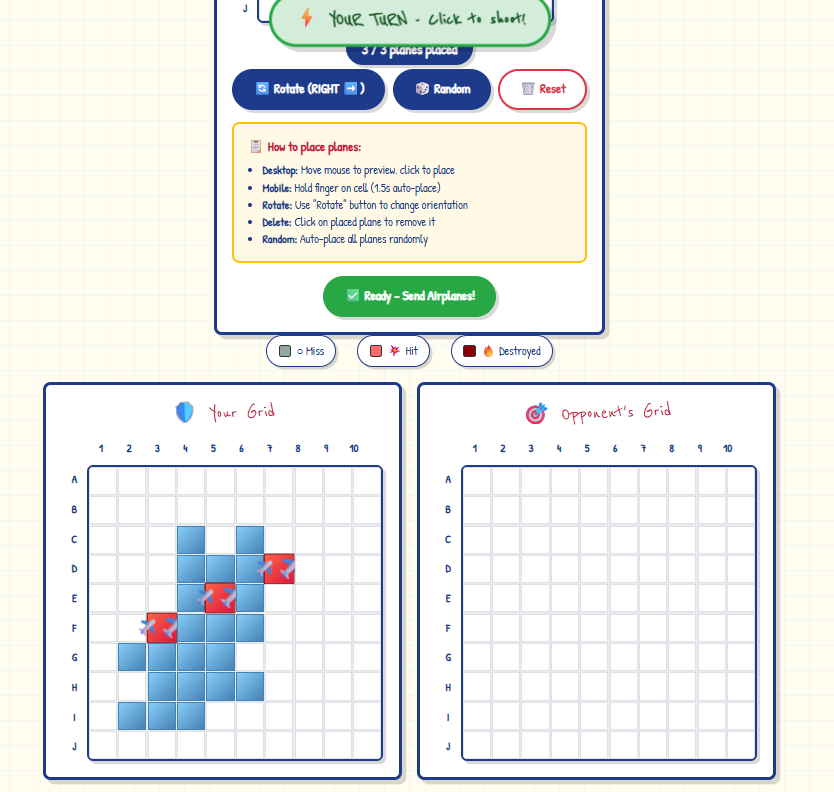
Wait for Your Turn
If it's your opponent's turn, you'll see "⏳ Opponent's turn..." at the top. Be patient! The floating status indicator will always show whose turn it is.
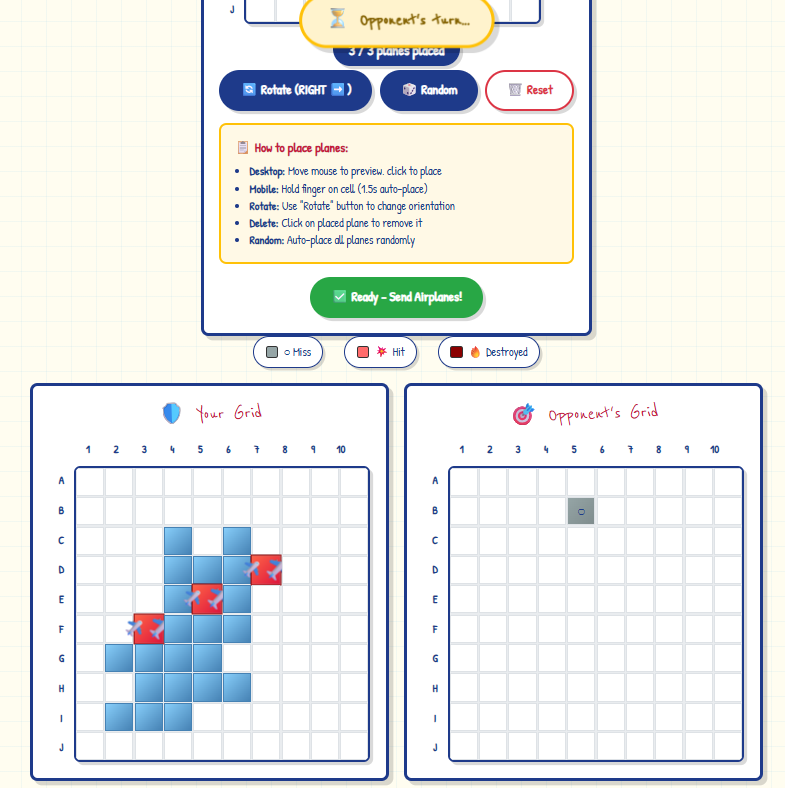
Take Your Shot - Miss!
When it's your turn, click any cell on the Opponent's Grid to shoot. A gray cell with "○" means you missed!
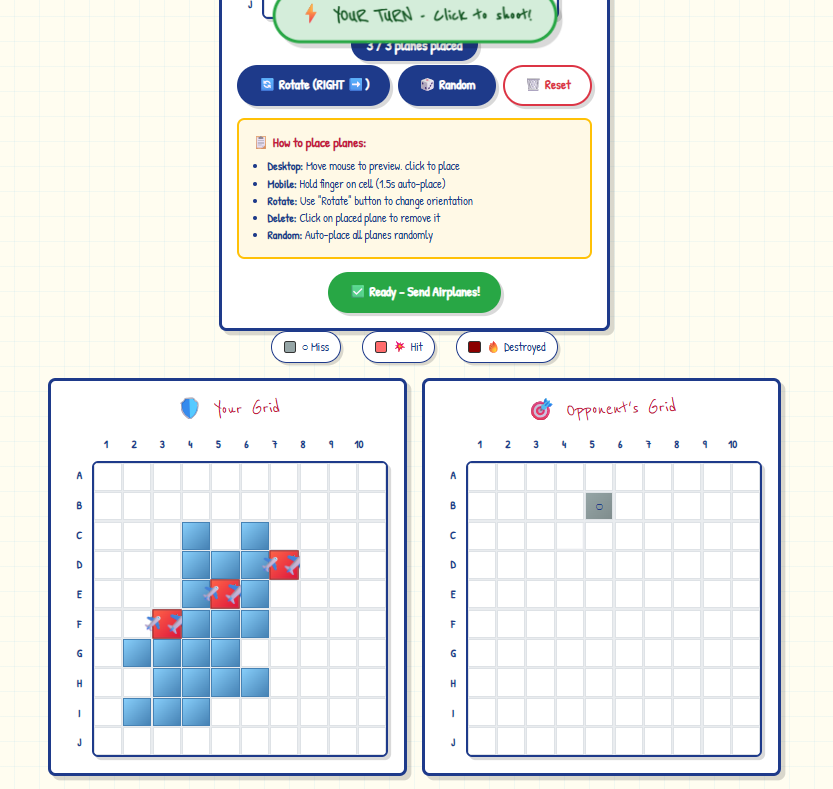
Direct Hit! 💥
A red cell with "💥" means you hit part of an airplane! Keep shooting nearby cells to destroy the entire plane.
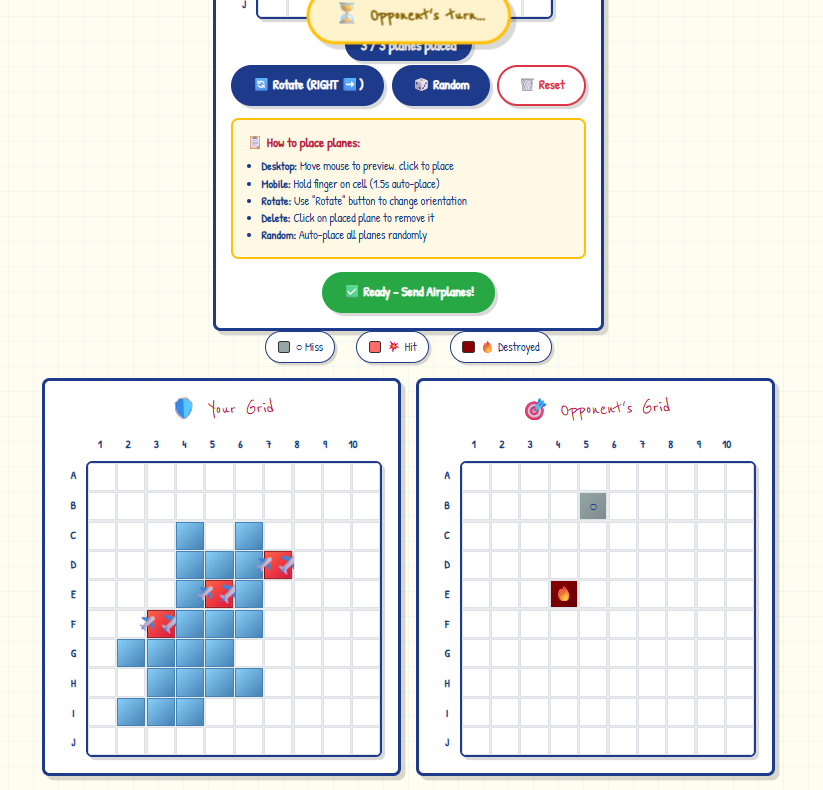
Your Turn - Keep Shooting!
When the green "⚡ YOUR TURN - Click to shoot!" appears, it's time to attack again! Try to find the rest of the plane you just hit.
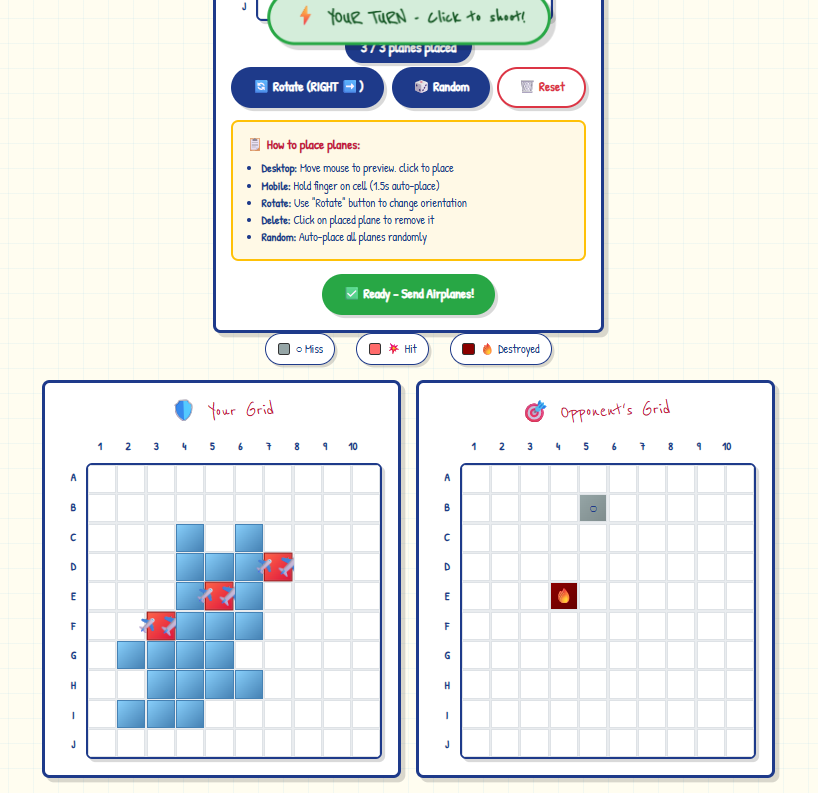
Keep Finding Hits
Each airplane is 8 cells in a specific pattern. Hit all 8 cells of one plane to destroy it completely!
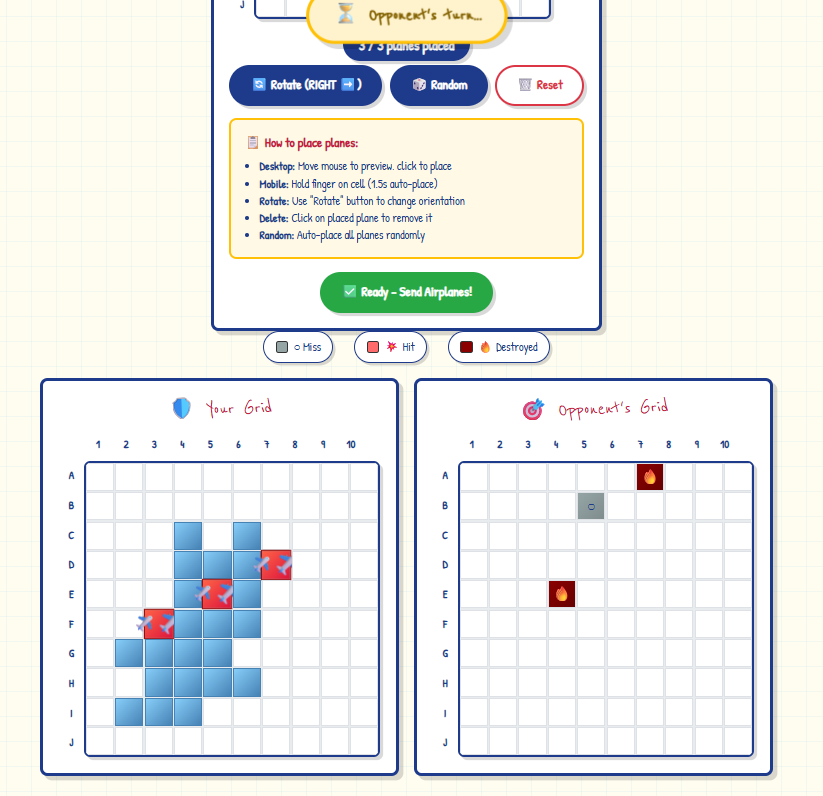
Airplane Destroyed! 🔥
When you hit all cells of an airplane, it turns dark red with "🔥" - completely destroyed! Keep going until you destroy all 3 enemy planes.
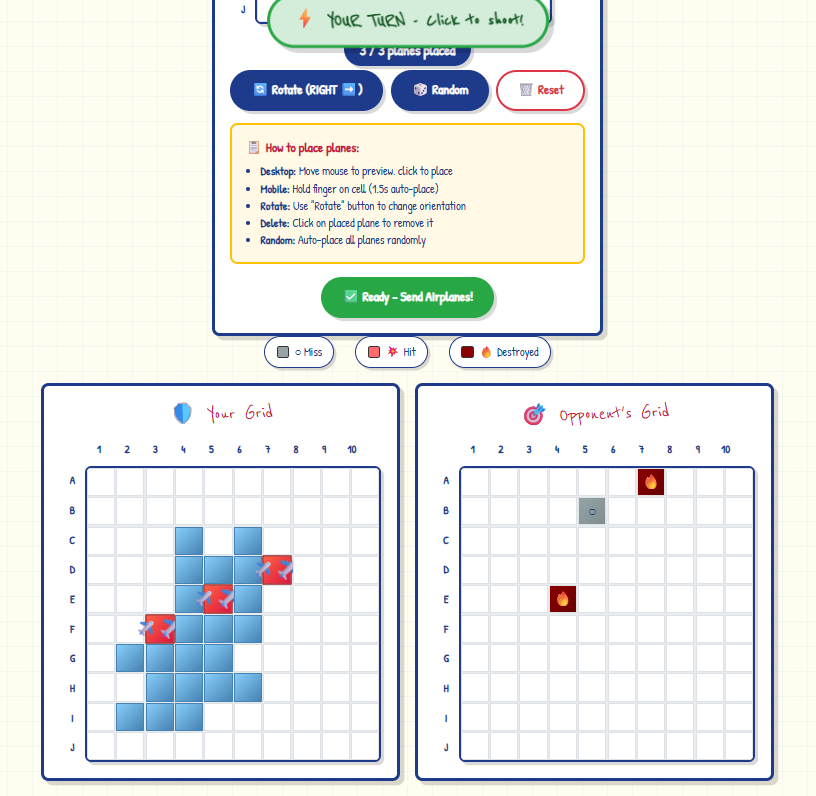
- ○ Miss (Gray): Empty water, no plane here
- 💥 Hit (Red): You hit part of a plane!
- 🔥 Destroyed (Dark Red): Entire plane destroyed!
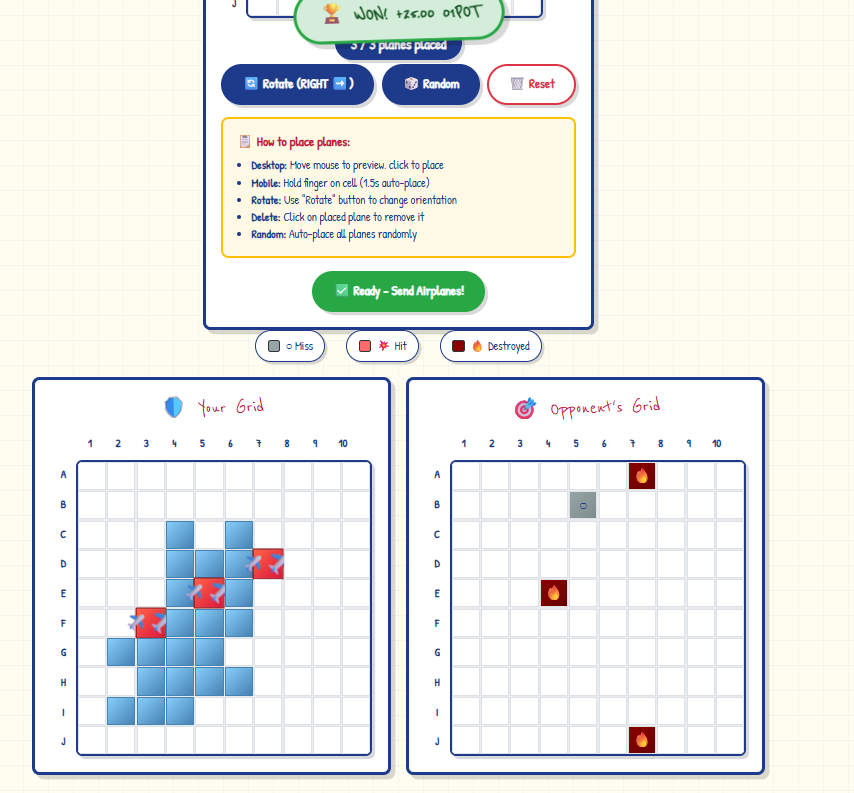
Victory! 🏆
Destroy all 3 of your opponent's airplanes to win! You'll earn 01POT tokens as a reward. The game ends and you'll be redirected to your dashboard.
Ready to Play?
Start your first game and put your new skills to the test!